Casegoods

Architectural drafting, in the browser

From a boring TI plan
to a walkthrough.

Casegoods turns a sketch into a drafted floor plan, stacks the floors, dresses the exterior, and lets your client walk the space in 3D. Then it exports clean files for Revit, AutoCAD, SketchUp and the rest of your team’s software.

Free for 14 days, no card needed. Then $199 per user per month. Nothing to install.

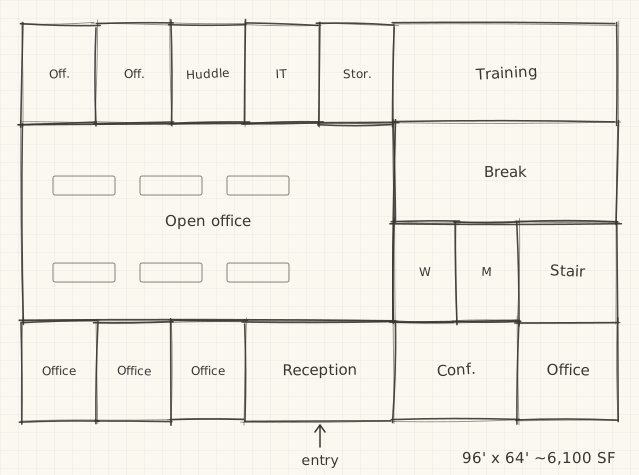
A pencil sketch of an office layout on grid paper
01The sketcha napkin, a PDF, a photo
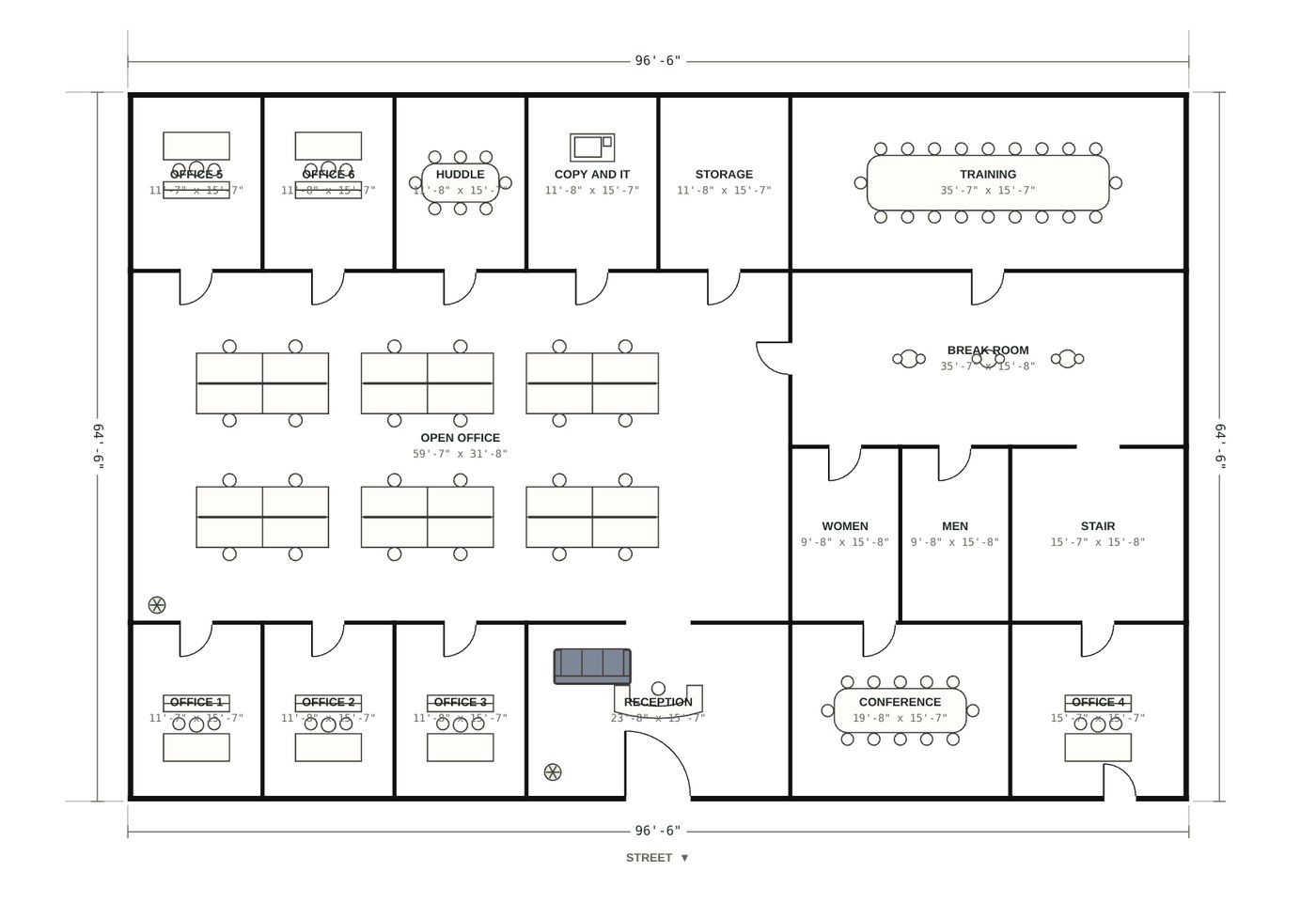
The same office drafted as a scaled TI plan with rooms, doors, furniture and dimensions
02The TI planto scale, on a titled sheet
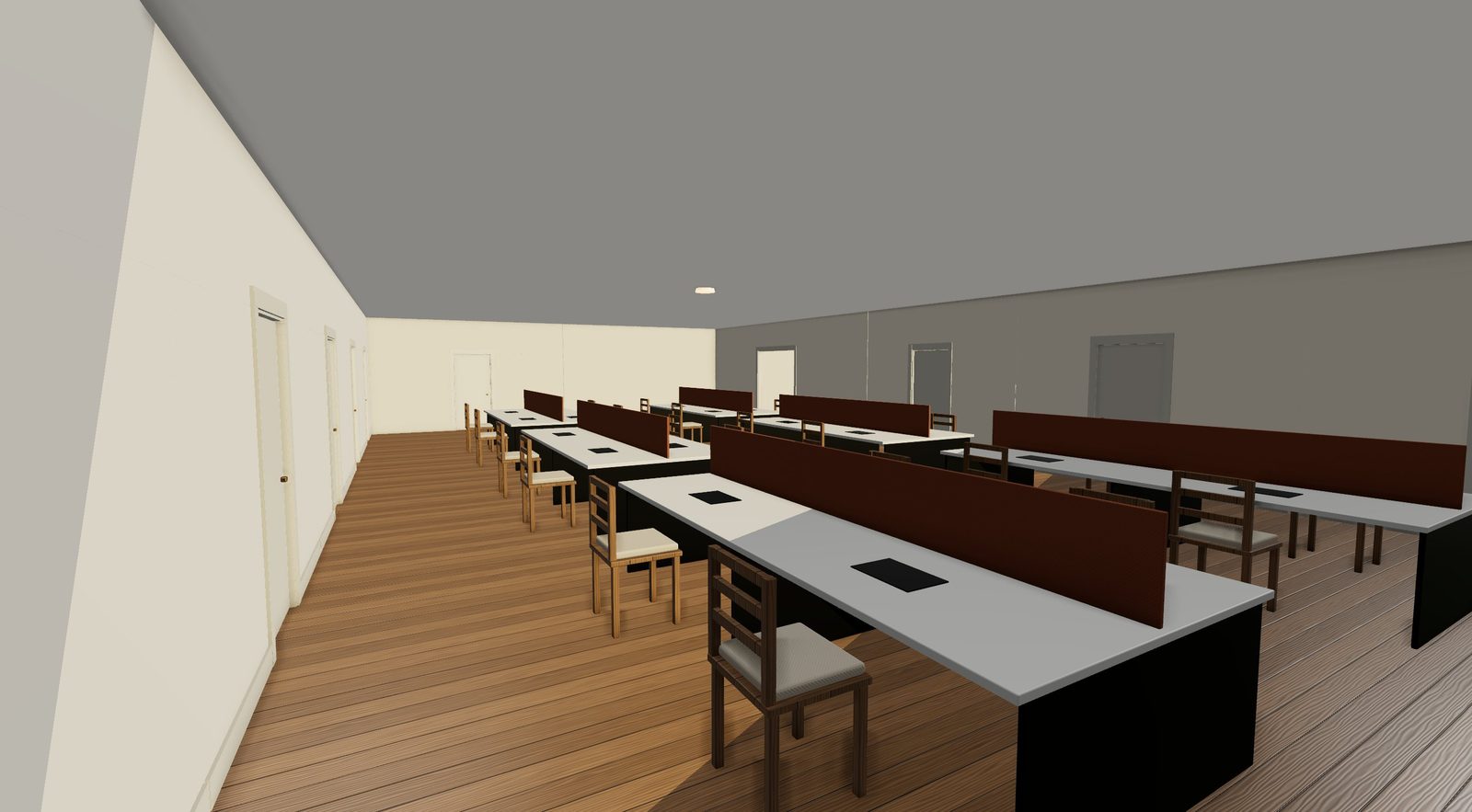
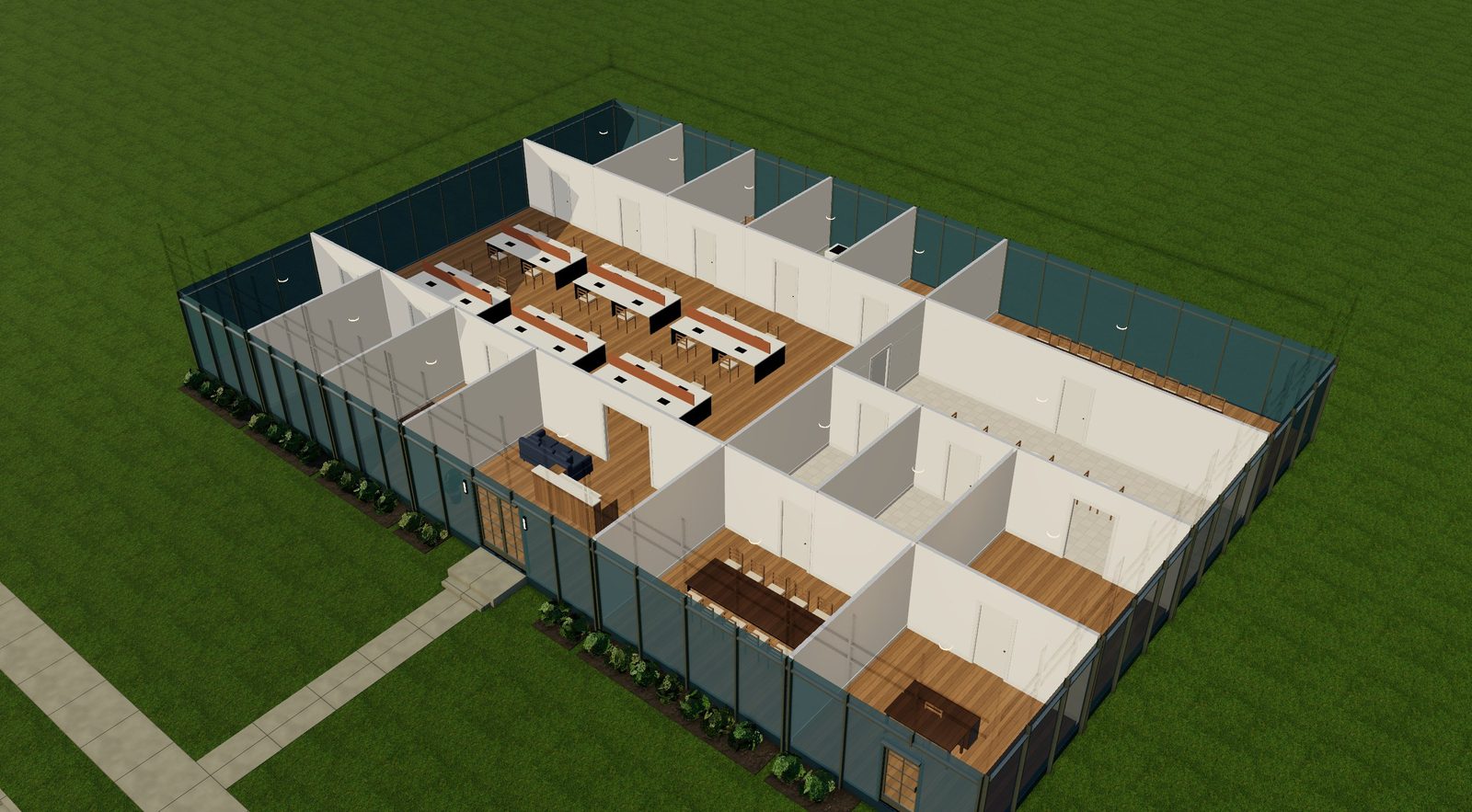
A 3D walkthrough inside the office's open work area
03The walkthroughthe same plan, in 3D

Building types

Industrial, office, retail, residential.
One plan drives everything.

Draw the plan once. Elevations, sections, schedules, the 3D model and the walkthrough all update together.

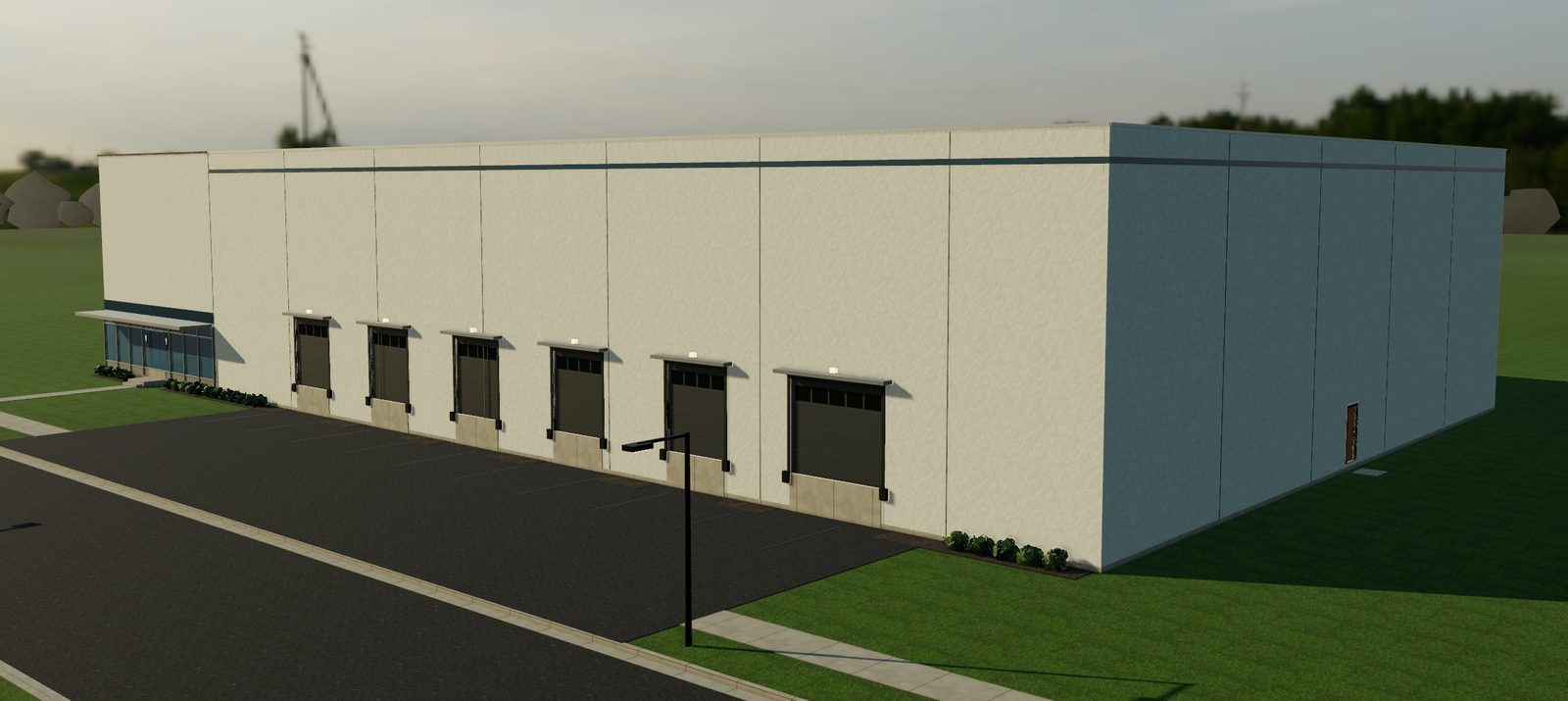
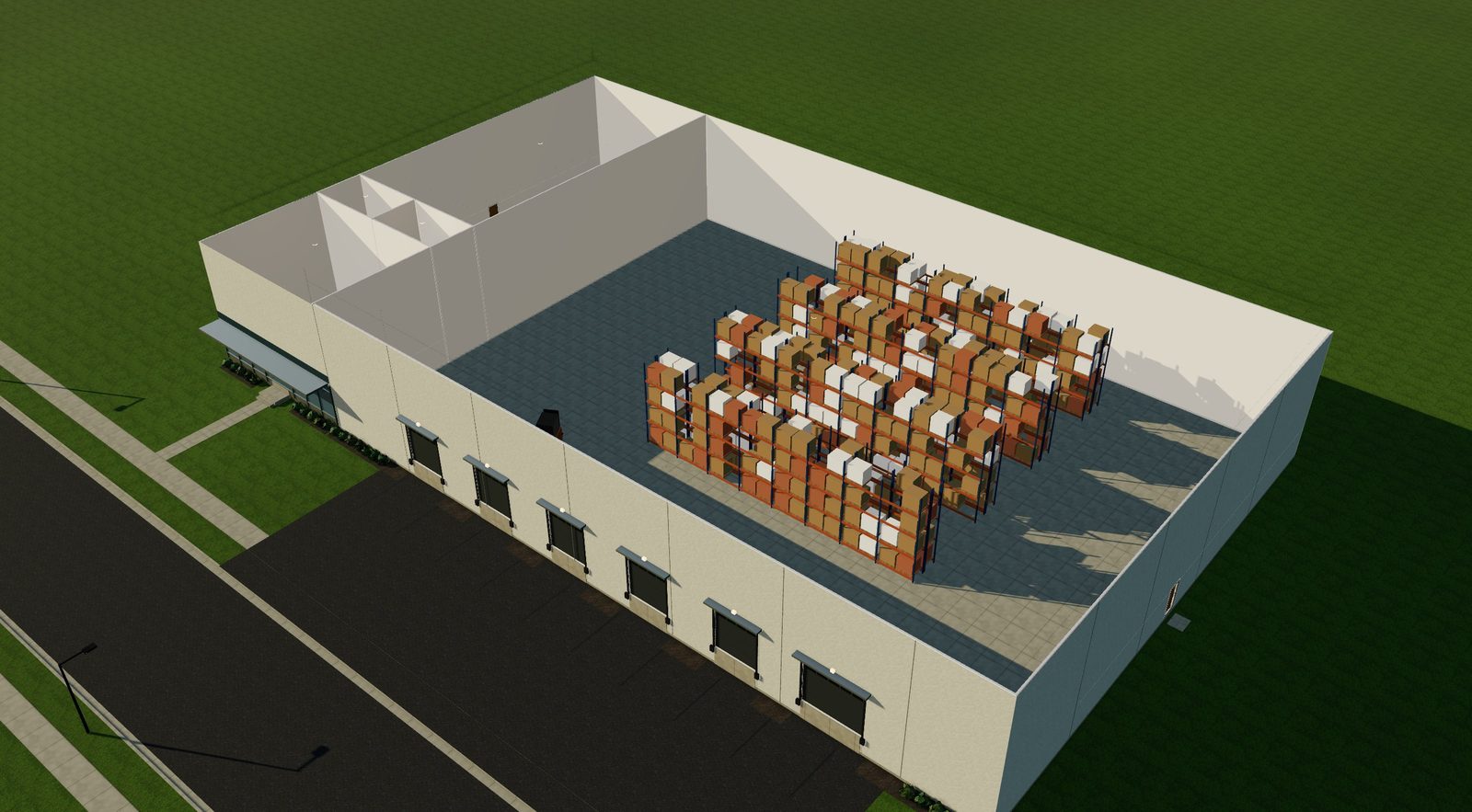
A tilt-up concrete warehouse with dock-high doors and a glass office corner

Industrial parks

Warehouses, distribution and flex buildings, from the shell to the racking plan.

  • Tilt-up concrete, metal building or brick flex
  • Dock-high and drive-in doors with bumpers and lights
  • 30' clear height, glazed office corner, mezzanines
  • Pallet racking, forklifts, conveyors, shop benches
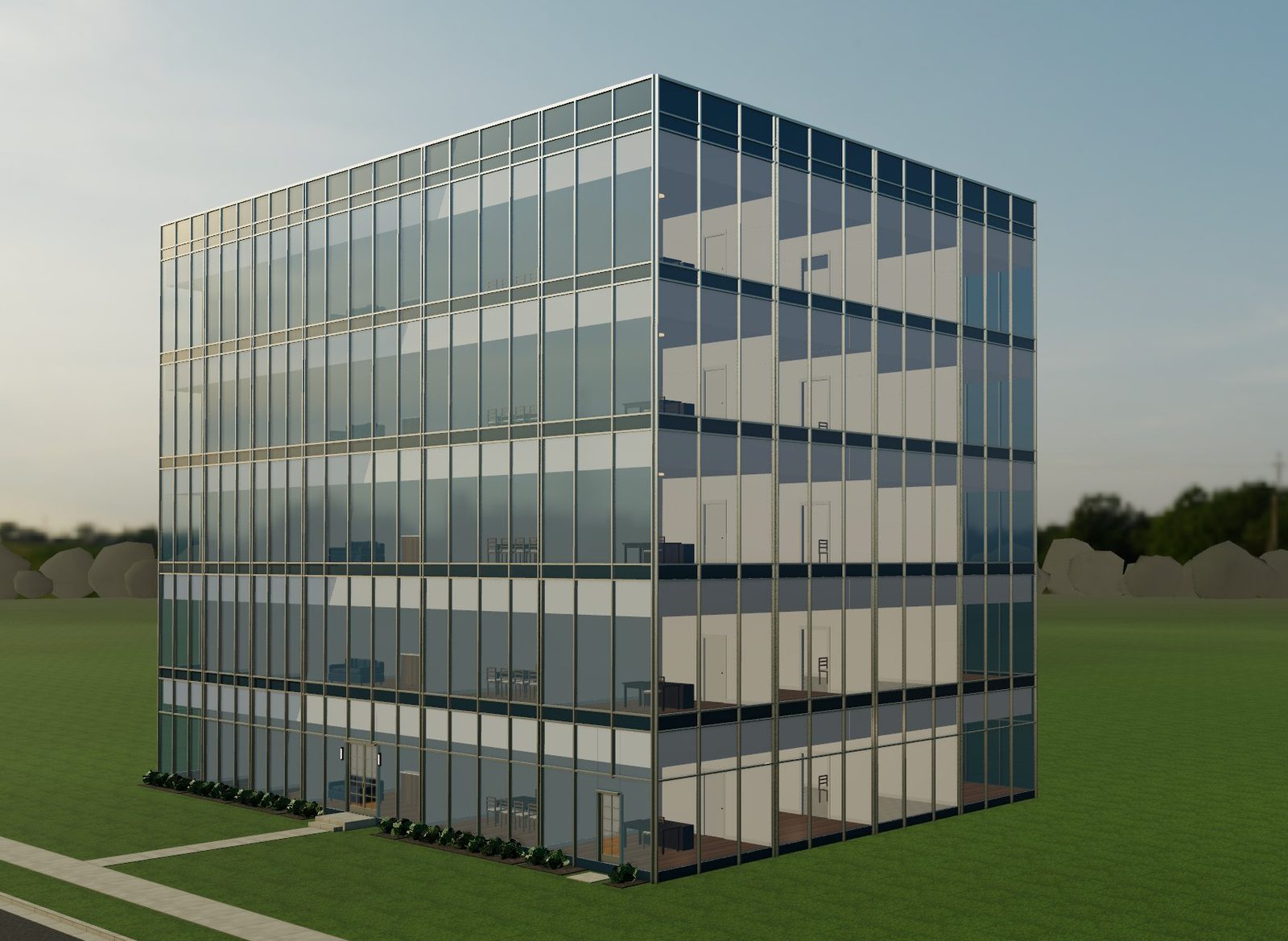
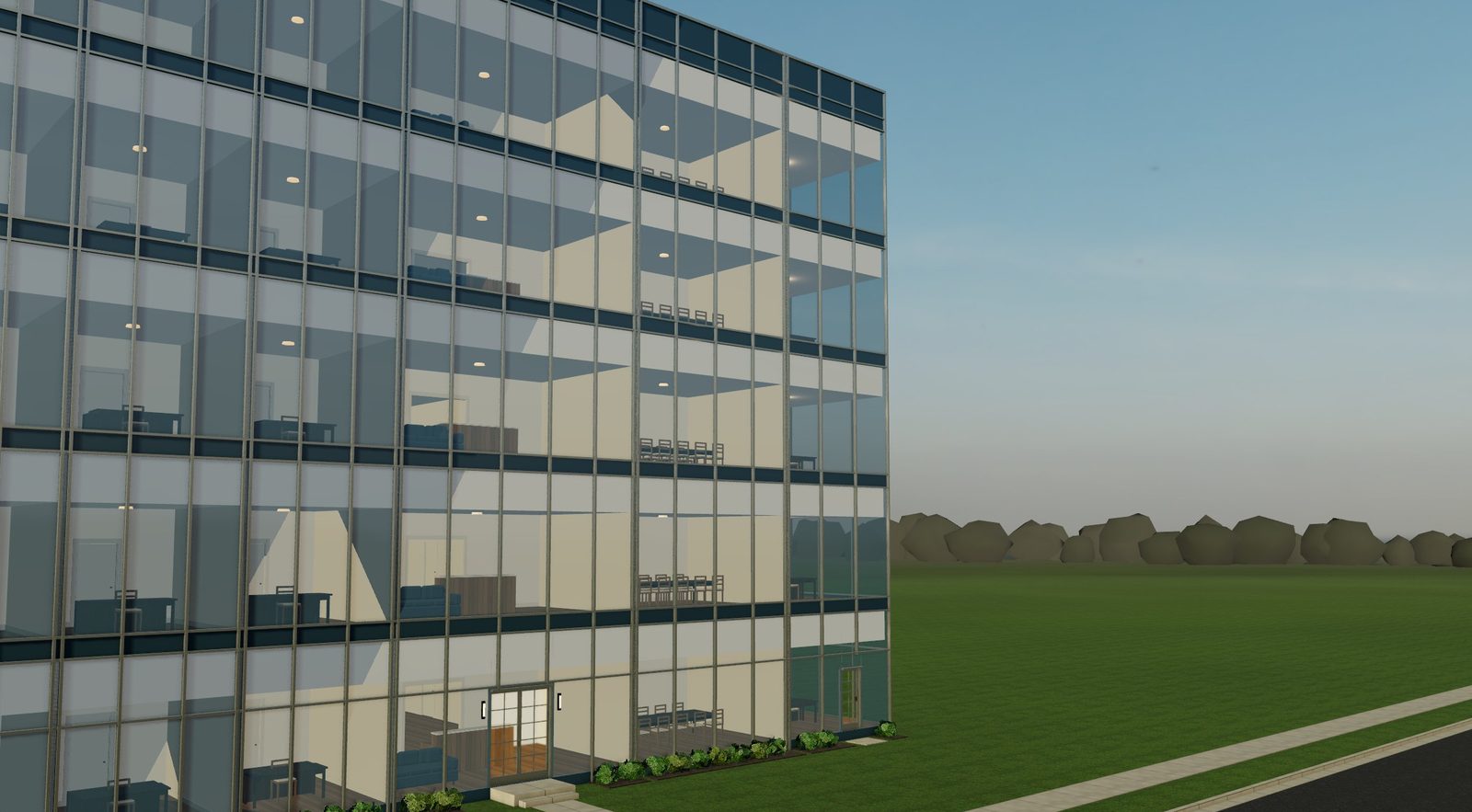
A four-story office building with a blue glass curtain wall and silver mullions

Office build-outs

Lay out the TI on the floor plate, then stack it.

  • Curtain wall, ribbon windows or precast
  • Glass tints: clear, blue, green, gray, bronze, silver
  • Mullions and metal in anodized, black, bronze, champagne
  • Workstations, conference rooms, reception, phone booths
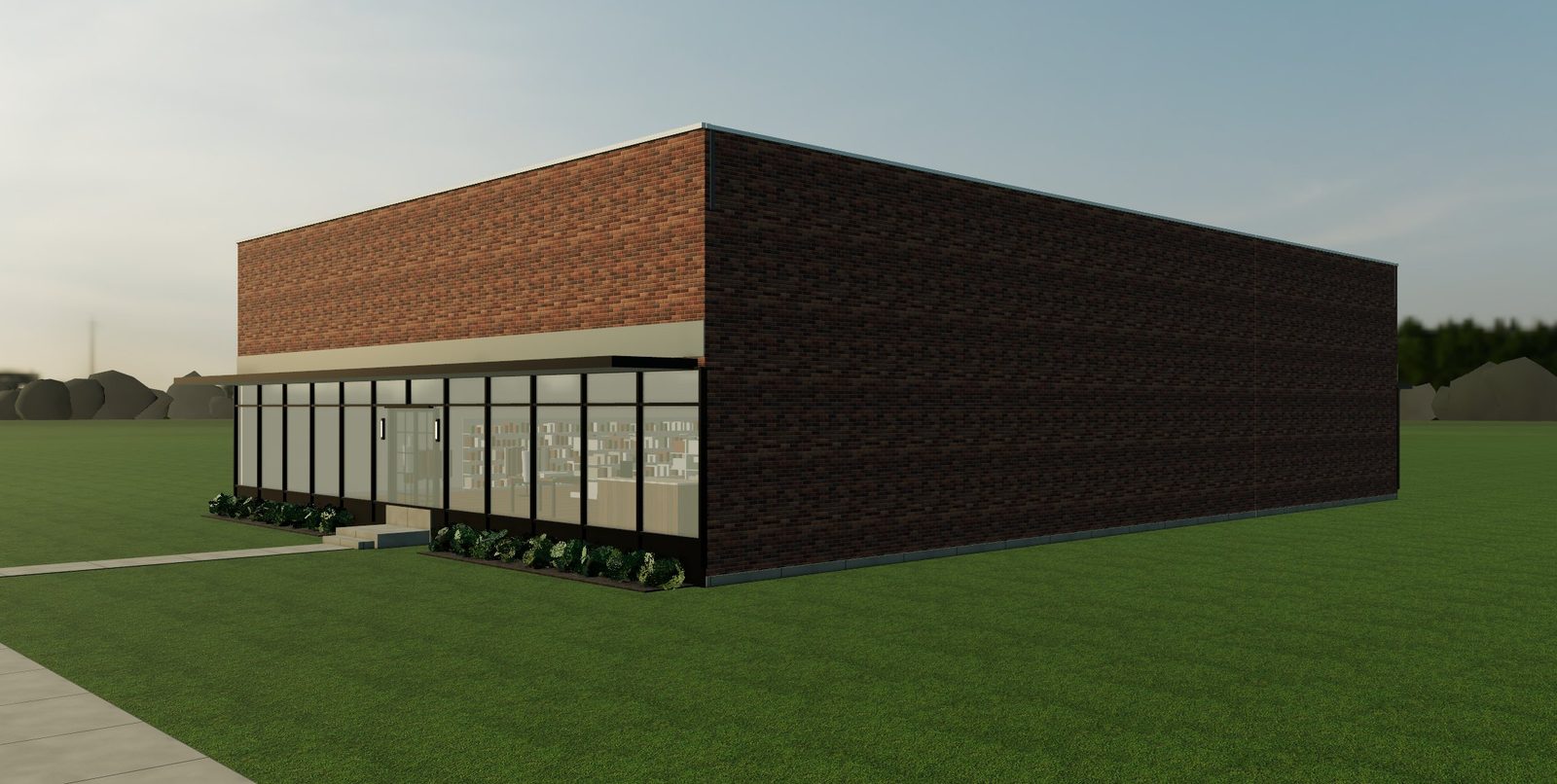
A brick retail building with a black aluminum storefront and a steel canopy

Retail build-outs

Plan the sales floor and back of house; the street side becomes a storefront.

  • Glass storefront with kick plate and sign band
  • Steel canopy or fabric awnings
  • Brick, stucco or metal panel
  • Gondolas, wall shelving, racks, checkout, fitting rooms
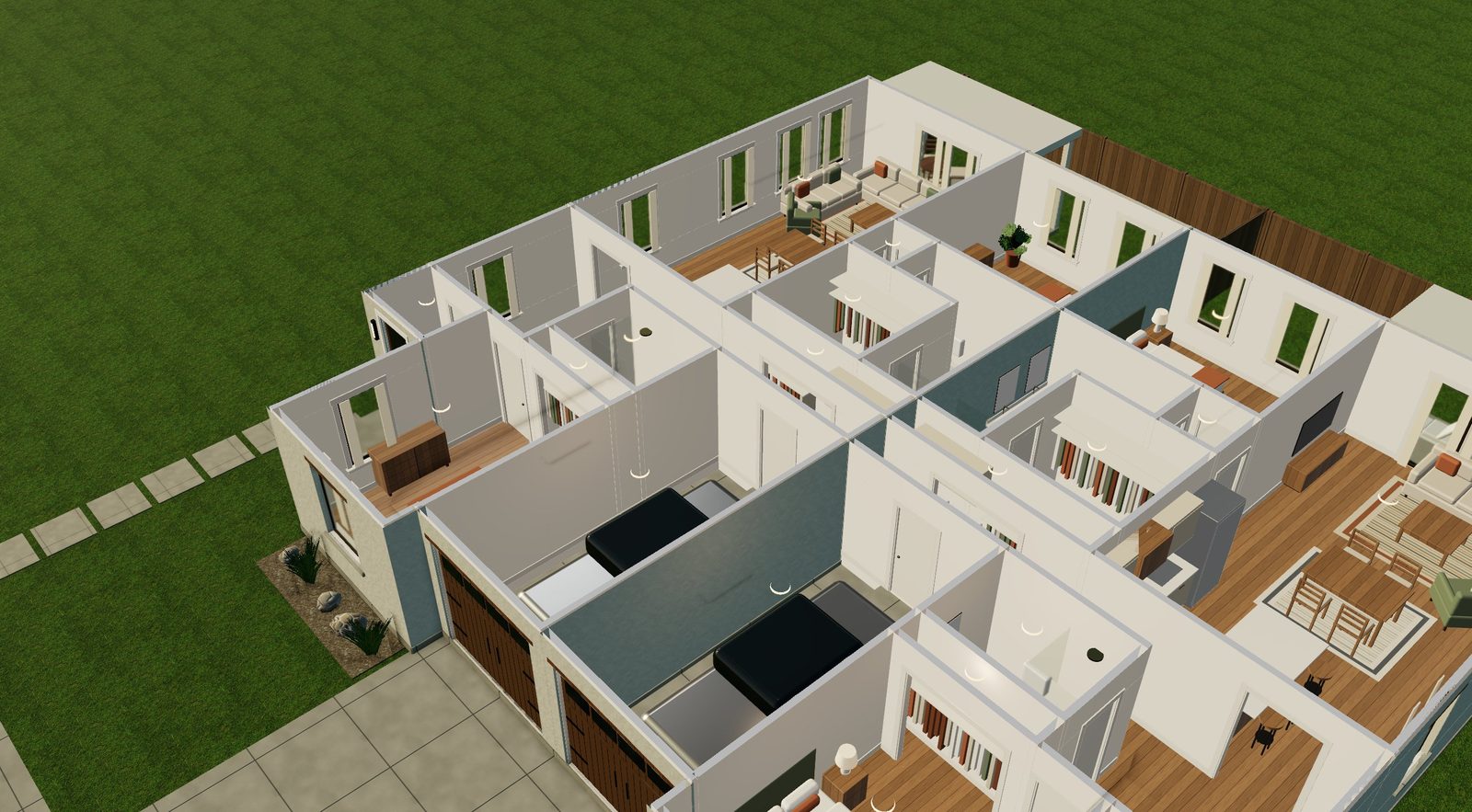
A cutaway 3D view of a furnished single-family home

Homes

Single-family, townhome rows and whole streets.

  • Twelve researched exterior styles
  • Room-by-room FF&E, cabinets and appliances
  • Code check for escape windows, smoke alarms and stairs
  • Lots, parcels and yield studies

Stack the floors

Draw one floor plate. Stack the building.

  1. 1Draw the ground floor. Walls, doors, glazing, rooms and FF&E, snapped to standard sizes.
  2. 2Click + Floor. Copy the whole floor plate, copy it ten times, keep only the exterior walls, or drop in a bare structural floor to lay out later.
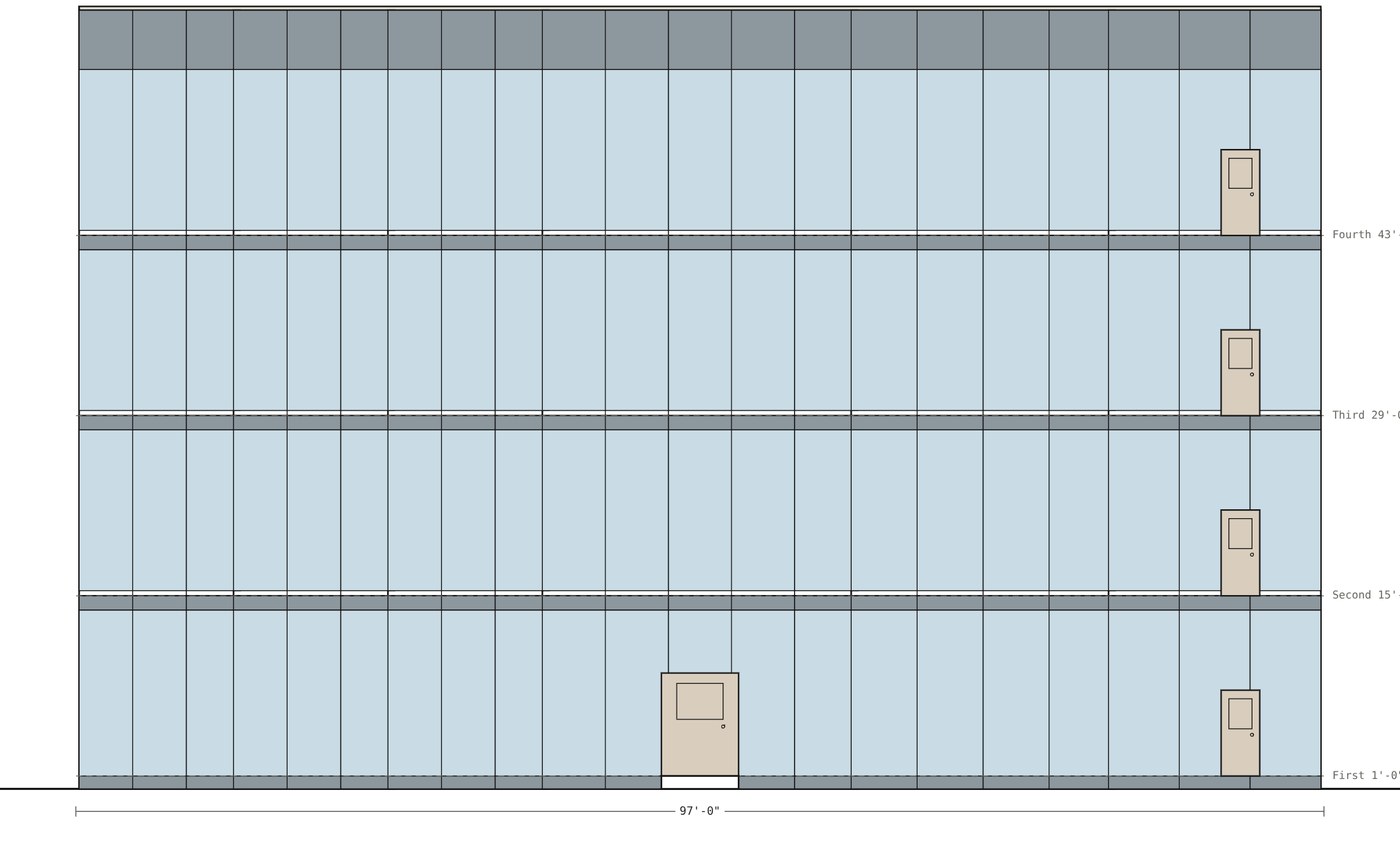
  3. 3Pick the skin. Glass and metal update on every floor at once, in the model and on the elevation sheets.
The office floor plate stacked five stories in a glass curtain wall

Exports

Hand it to any team, in their software.

Every export comes straight from the plan. No re-drawing, no screenshots. It works the other way too: open a Revit or ArchiCAD model (IFC) and it comes in as an editable plan, floor by floor, with its walls, doors, windows, stairs and room names.

IFC4 BIM modelRevit · ArchiCAD

Walls, doors, windows, spaces and floors as real BIM objects. Also opens in Vectorworks and BricsCAD.

DXF drawingAutoCAD · BricsCAD

Plans on AIA layers: walls, doors, glazing, furniture, stairs, room tags. Coordinates in inches.

DXF or IFCSketchUp Pro

Import the plan as linework, or the IFC as a model to keep building on.

GLB 3D modelBlender · Unreal · Unity

The furnished model with materials, for renderings, games engines and Twinmotion.

PDF sheet setPlans and elevations

True architectural scales on Letter to ARCH D, with title blocks. Or print straight to the plotter.

PNG · JPGExact image sizes

HD, 4K, social and print sizes at the ppi you choose, for decks and listings.

Revit, AutoCAD, SketchUp, ArchiCAD, Vectorworks, BricsCAD, Blender, Unreal, Unity and Twinmotion are trademarks of their owners. Casegoods writes open file formats they import; it is not affiliated with them.
What’s inside

A drafting table, a model and a walkthrough.

Sheets at true scale

Plans, elevations, MEP and mechanical sheets with title blocks, numbered and ready to plot.

FF&E library

Office, retail and residential pieces with shapes, standard sizes and finishes, in plan and in 3D.

MEP and mechanical

Outlets, fixtures, plumbing and duct layouts traced to the plan, the way an engineer wants them.

Walk it

Step inside at eye level, open the doors, and walk the space with your client on a call.

Photoreal, cheaply

Turn any view photoreal for a cent or two, or retexture the model with AI materials.

Code check that says what to fix

The major life-safety rules, ADA basics and exits, each with the exact change to make.

Start from a sketch or a model

Drop in a sketch or a PDF and trace it, or open a Revit or ArchiCAD IFC file as an editable plan.

Pricing

One plan. Everything included.

  • Industrial, office, retail and homes
  • Unlimited projects and floors
  • PDF, DXF, IFC, GLB, PNG and JPG exports
  • 3D walkthroughs and video tours
  • FF&E, MEP and mechanical plans
  • Projects saved to your account
$199 / user / month

Free for 14 days, no card needed.
Add teammates anytime; cancel anytime.

Start your free trial